How to Run Your Own AI on a Home Server (No Cloud Needed)
You don't need OpenAI or Google to run powerful AI. Here's how to set up your own AI on a home server for free.

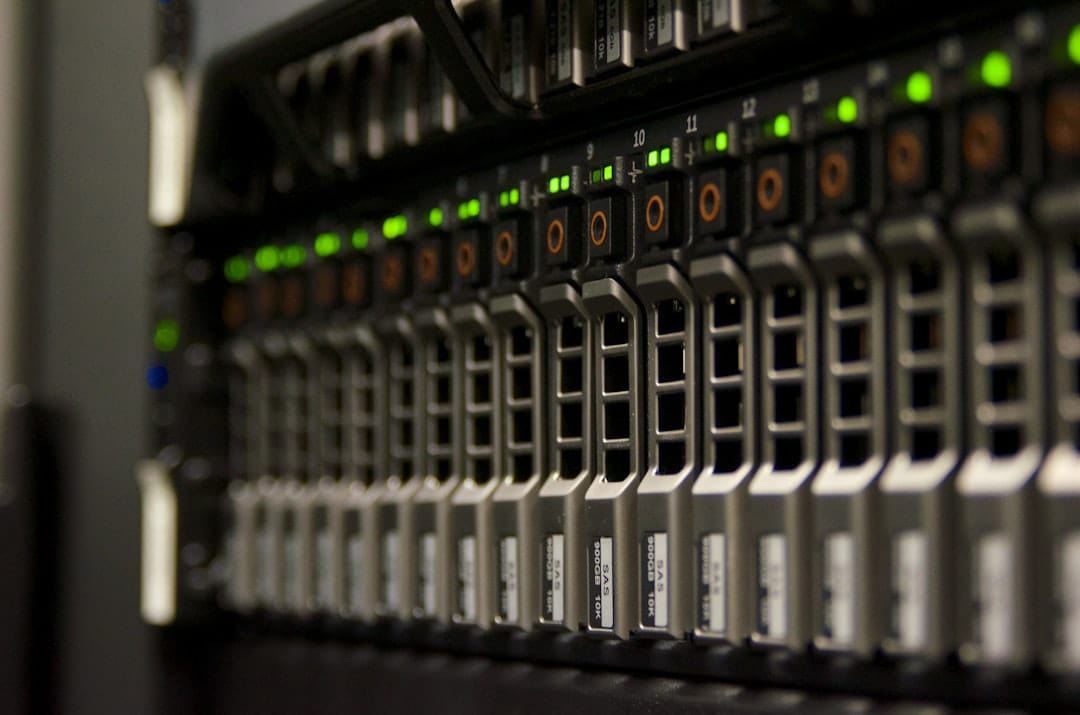
Running your own AI locally used to require a PhD and a data center. In 2026, you can do it with a spare PC or even a Raspberry Pi. Here's how.
Why Self-Host AI?
Three reasons: privacy, cost, and control. When you run AI locally, your prompts never leave your machine. You're not paying per token. And you can run it 24/7 without worrying about API limits or outages.
For home servers, small businesses, or anyone handling sensitive data, self-hosted AI is becoming the obvious choice.
What You Need
- Hardware: Any PC with 8GB+ RAM. GPU optional but speeds things up. Raspberry Pi 4 (4GB) works for smaller models.
- OS: Ubuntu 22.04 or any Linux distro. Works on Windows too via WSL.
- Software: Ollama — the easiest way to run local LLMs.
Step 1 — Install Ollama
Ollama wraps popular open-source models (LLaMA 3, Mistral, Gemma) in a simple CLI. Install it with one command:
curl -fsSL https://ollama.com/install.sh | sh
That's it. Ollama installs as a service and starts automatically.
Step 2 — Pull a Model
Run: ollama pull llama3
This downloads Meta's LLaMA 3 (8B parameter version — about 4.7GB). Smaller than you'd expect, faster than you'd think.
For lighter hardware, try: ollama pull phi3 — Microsoft's Phi-3 runs on 4GB RAM and is surprisingly capable.
Step 3 — Run It
ollama run llama3
You now have a ChatGPT-style chat interface in your terminal. Ask it anything — it runs 100% locally.
Step 4 — Add a Web Interface (Optional)
If you want a browser UI instead of terminal, install Open WebUI:
docker run -d -p 3000:8080 --add-host=host.docker.internal:host-gateway ghcr.io/open-webui/open-webui:main
Visit http://localhost:3000 and you have a full ChatGPT-style interface connected to your local model.
Running on Raspberry Pi
Pi 4 with 4GB RAM can run Phi-3 or TinyLlama. It's slow but works. Pi 5 with 8GB handles LLaMA 3 8B reasonably. For always-on AI assistant use cases, a Pi is perfect.
Best Models for Home Servers
- LLaMA 3 8B: Best all-rounder. Needs 8GB RAM.
- Mistral 7B: Fast, great for coding tasks.
- Phi-3 Mini: Tiny but smart. Runs on 4GB RAM.
- Gemma 2B: Lightest option. Good for Pi.
Connecting to Your Apps
Ollama exposes an OpenAI-compatible API on port 11434. Any app that works with OpenAI (n8n, Open WebUI, custom scripts) can point to your local Ollama instead — just change the base URL to http://localhost:11434/v1.
Is It Worth It?
If you run AI regularly and care about privacy or cost, yes. You pay once (electricity) instead of per token. For development, testing, or running AI on sensitive documents, local AI is the right call in 2026.